Command Center - Review the Audit Trail (Activity History)
Last updated: December 5, 2025
Viewing the Audit Trail (Activity History)
The audit trail allows you to see every change made to a shipment, including who made the update, what was changed, and when it occurred. This provides full visibility into shipment edits, document uploads, and other key actions for compliance and tracking.
How to View the Audit Trail
1. Open the Shipment
From your shipment list, locate the shipment you want to review.
Click on the Shipment ID to open the Shipment Summary.
2. Locate the Activity History Icon
In the top-right corner of the shipment view, find the audit trail icon.
It looks like a small square with a white line-graph style trace inside it.
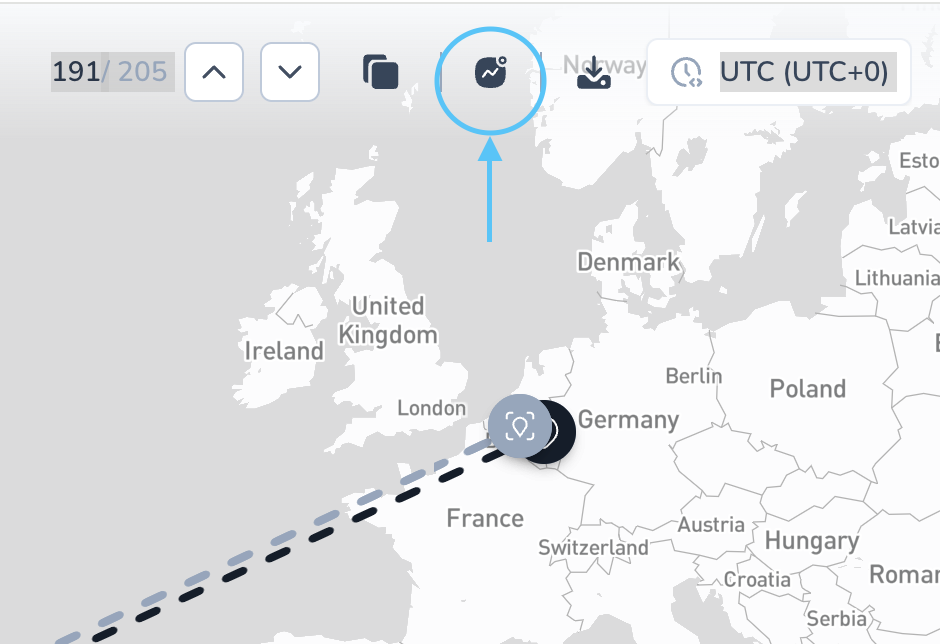
3. Open the Audit Trail
Click the audit trail icon.
The Activity History panel will open, showing a chronological list of all actions taken on the shipment.
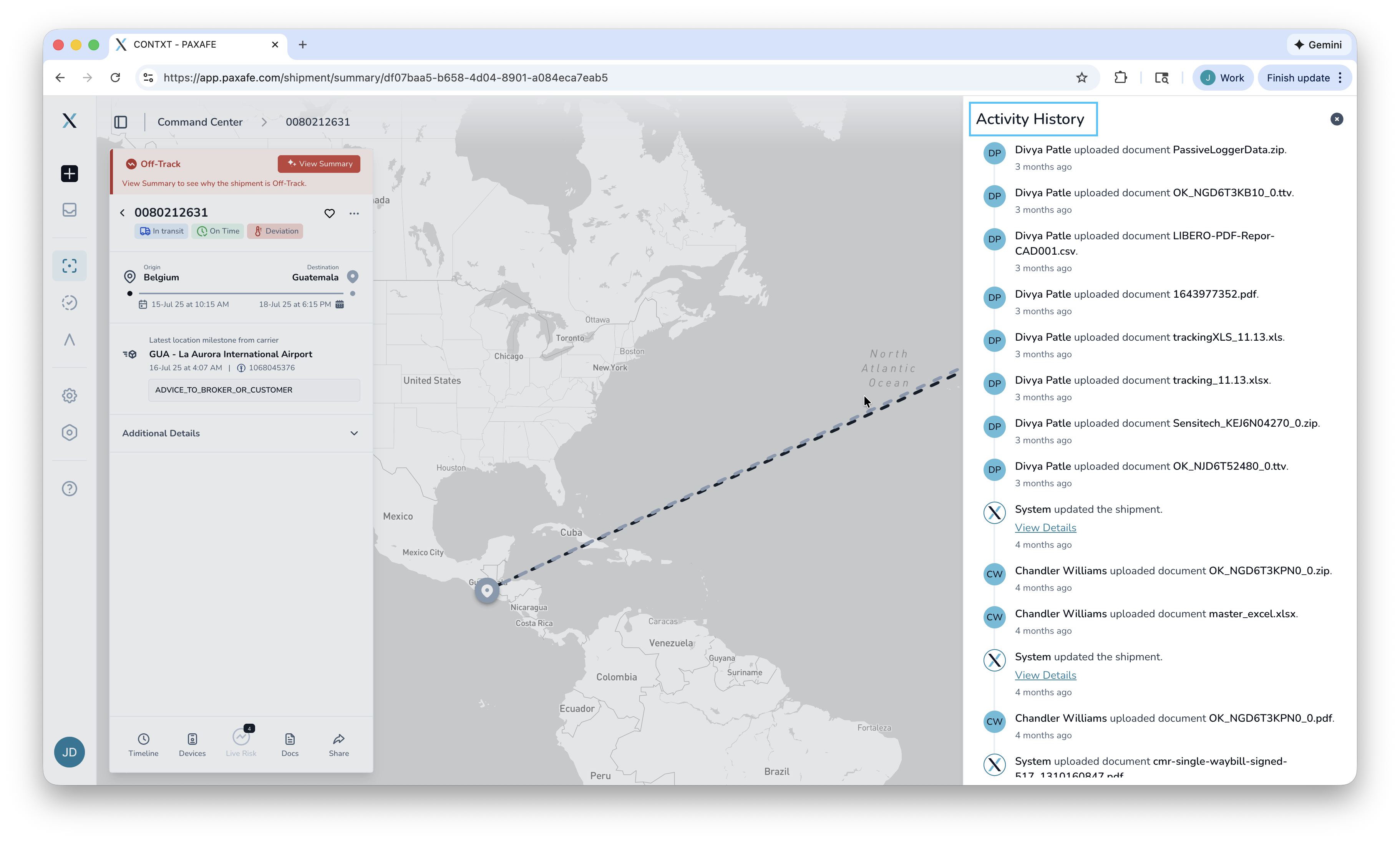
4. Review Activity Details
In this view, you can see:
Who performed an action
What was changed
When it occurred
Whether documents were uploaded or removed
Any edits to shipment details, devices, tags, or configurations