How do I change the name of my lane?
Last updated: September 4, 2025
When a Lane name is incorrect and needs to be changed, how can a user navigate to the Lane Profile Configuration and edit the Lane Name.
Answer
To update the name of a lane, the 'Origin Name' and 'Destination Name' fields should be updated in the Lane Profile Configuration. This will automatically update the name of the lane.
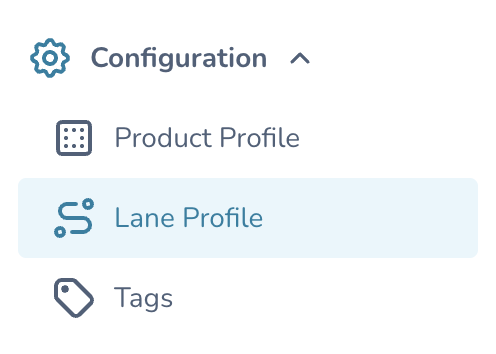
Using the Main Menu, navigate to Configuration --> Lane Profile.
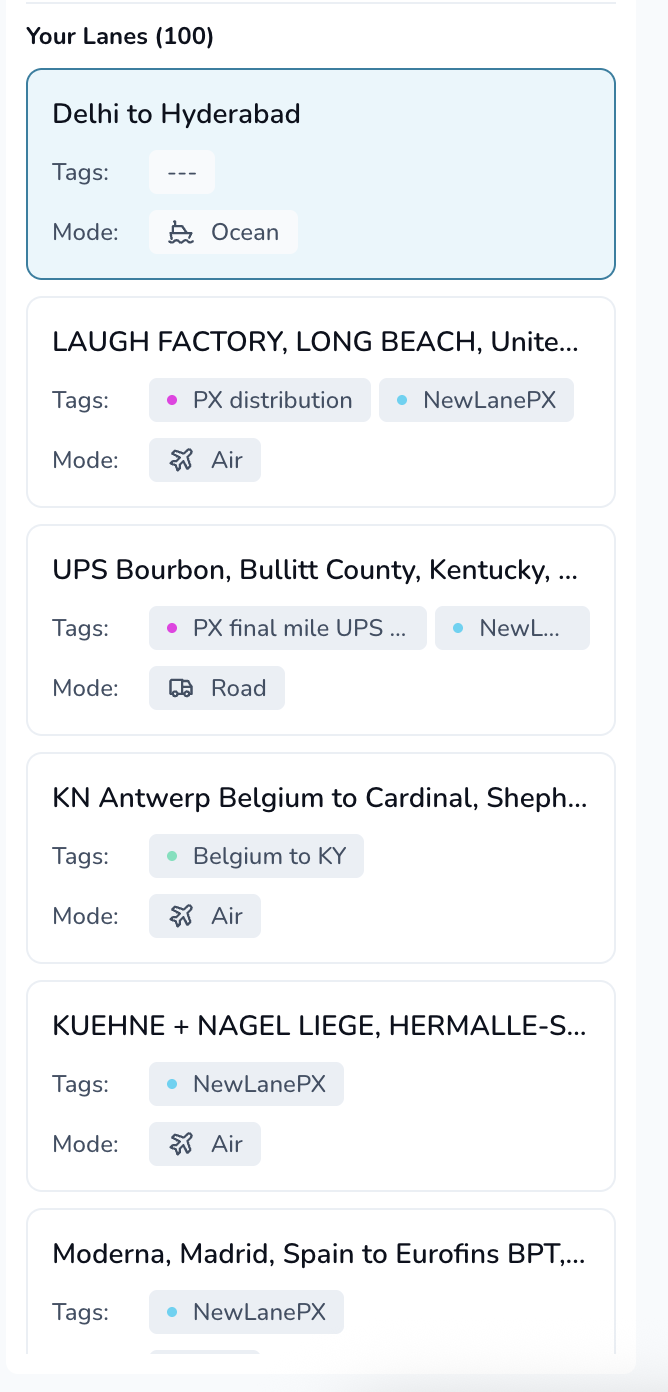
Select a Lane from your list of Lanes.
Select the Edit (Pencil) Icon on the top right of the screen.

In the Stops Congiguration section, update the Origin Name and Destination name fields.
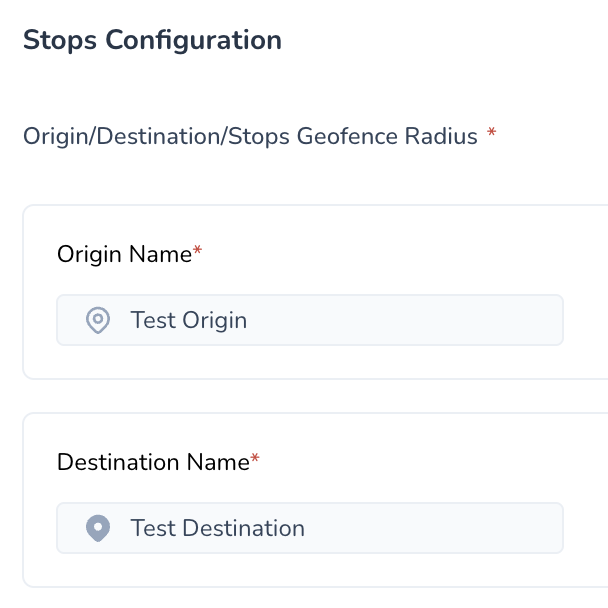
This will automatically update the name of the Lane

Click Review, then Save, in the bottom right corner of the screen to save your changes.