How to view the way a shipment was created (Manual or Automatic)
Last updated: August 26, 2026
Context
Shipments can be created manually by a user or automatically through API integration. In certain circumstances, it may be helpful to see how a shipment was created.
Answer
Navigate to Command Center.
Select a shipment.
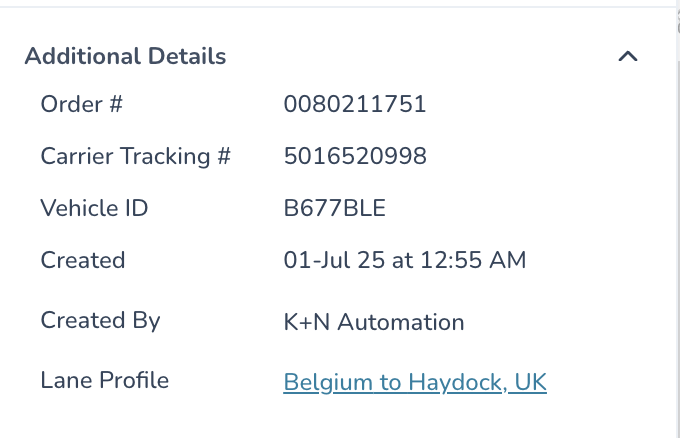
Expand the additional details section.
Example 1: Created through automation.
Example 2: Created by a user.
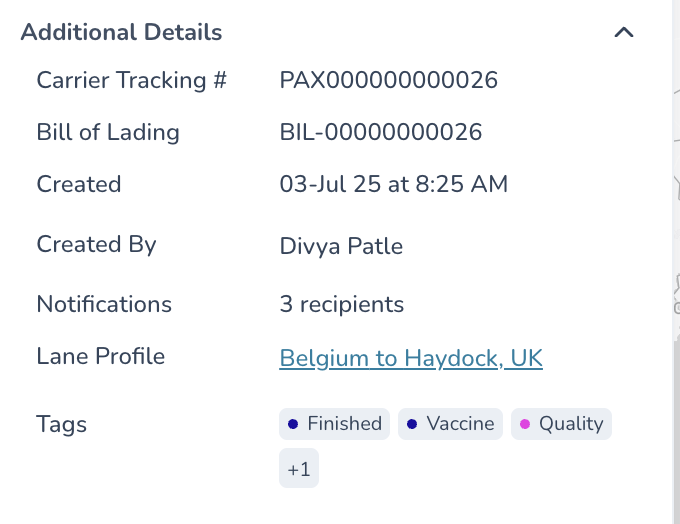
View the Created By field.