Automated Product Release Filters
Last updated: August 26, 2026
Filtering by Tags
Using Filters in Temperature Release
Open Auto Product Release
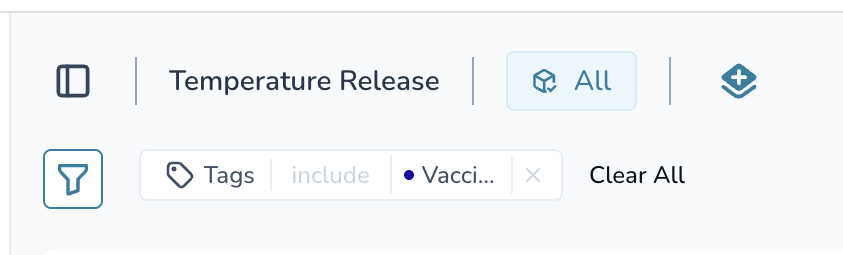
Open the filter panel
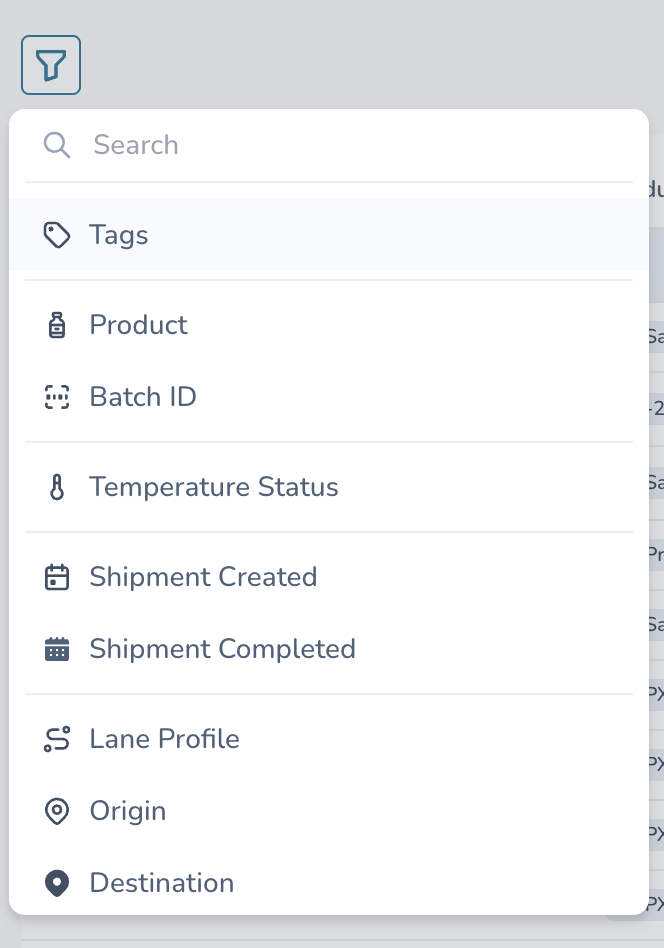
Click on the filter icon in the top left of the screen.Choose your filter options
A variety of filter options will appear.
Select the option(s) you want to filter shipments by.
View filtered shipments
Once you make a selection, the shipment list will automatically update and only show shipments that match your filter.Saved as your default view
Your selected filter will be saved as your default and will automatically be applied every time you go into Auto Product Release, until you clear it.Clear all filters
To see all shipments again, click Clear All in the filter panel.
Once Clear All is selected, all shipments will be visible.