Changelog: CONTXT v1.0.3
Last updated: December 3, 2025
Released August 15, 2025
We're excited to share the latest improvements to Command Center, focused on proactive delivery notifications, critical interface fixes, and enhanced user experience across your logistics operations.
 What's New
Predicted Time of Arrival (PTA) Notifications
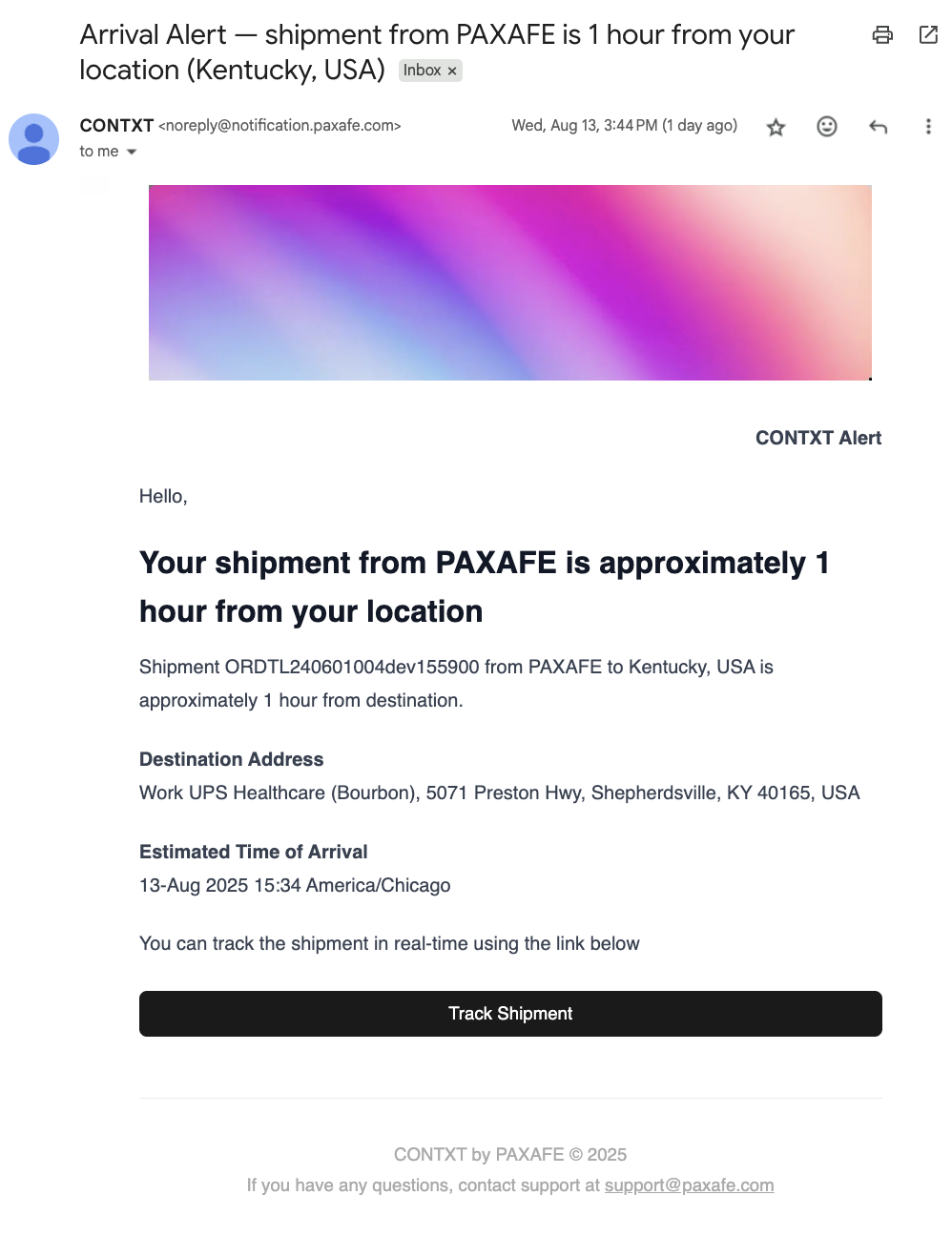
Proactive customer communication for a better delivery experience
Automated arrival notifications: Get notified when shipments are 2 hours, 1 hour, and 30 minutes away from the destination. External users only receive four types of notifications: In Transit, Incoming Delivery (approximately 2hr, 1hr, and 30m), At Destination, and Delivered.
Smart timing logic: Notifications now respect business hours to avoid after-hours alerts when appropriate
Why this matters: Keep your customers informed with intelligent, accurate delivery notifications that respect business hours and provide lane-specific customization for better communication.
Fixed Critical Map Interface Issues
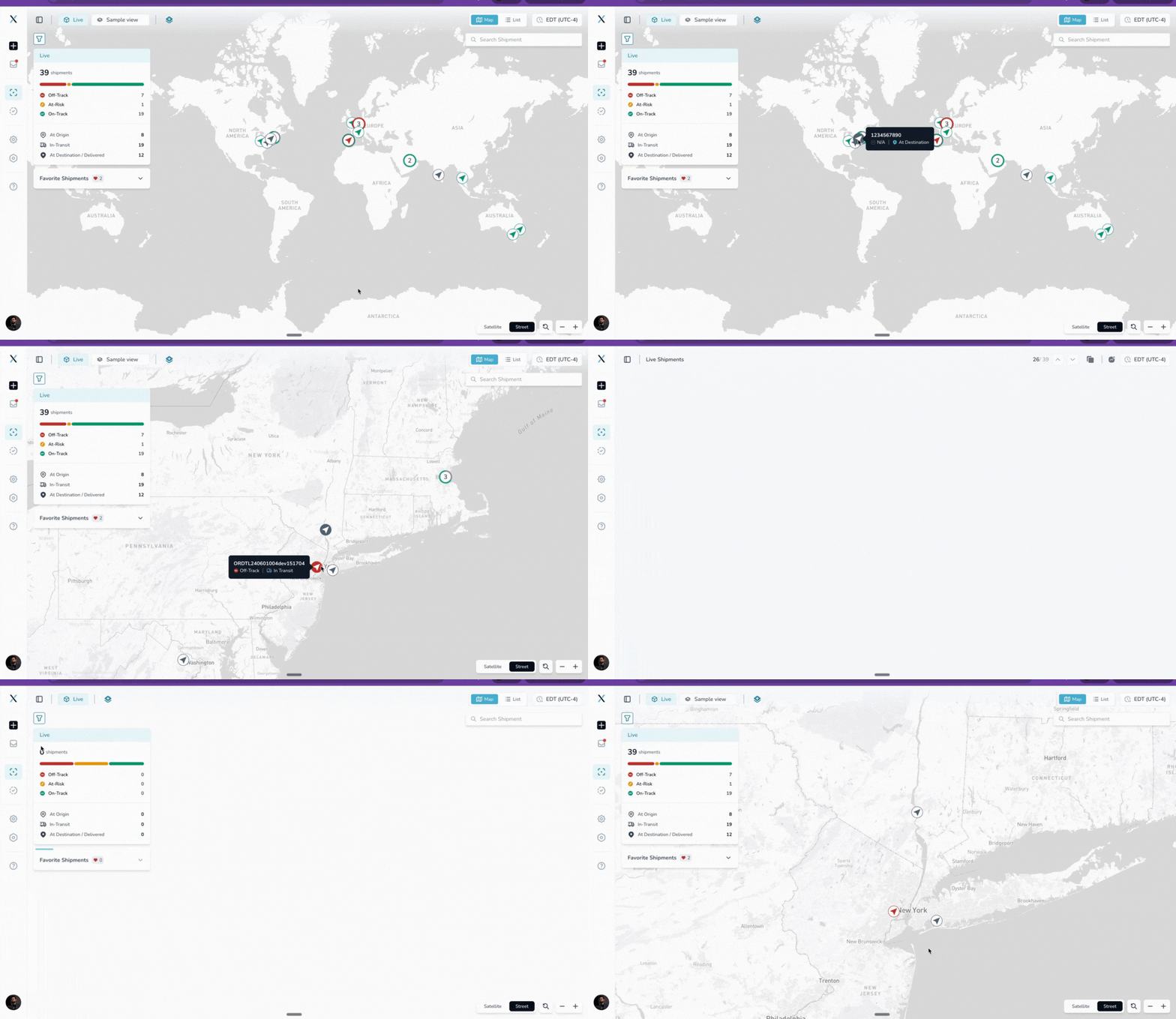
Enhanced map functionality for seamless shipment tracking
Map interaction restored: Fixed invisible barrier that prevented clicking on shipments and devices on the map
Consistent zoom experience: The dashboard map now displays a standardized world view, eliminating unpredictable zoom levels. User set zoom level is maintained at the dashboard level when navigating between pages during an active session.
Smooth navigation: All map controls and interactions now work reliably across browser tabs
New Integration: QuickSTAT milestones now supported
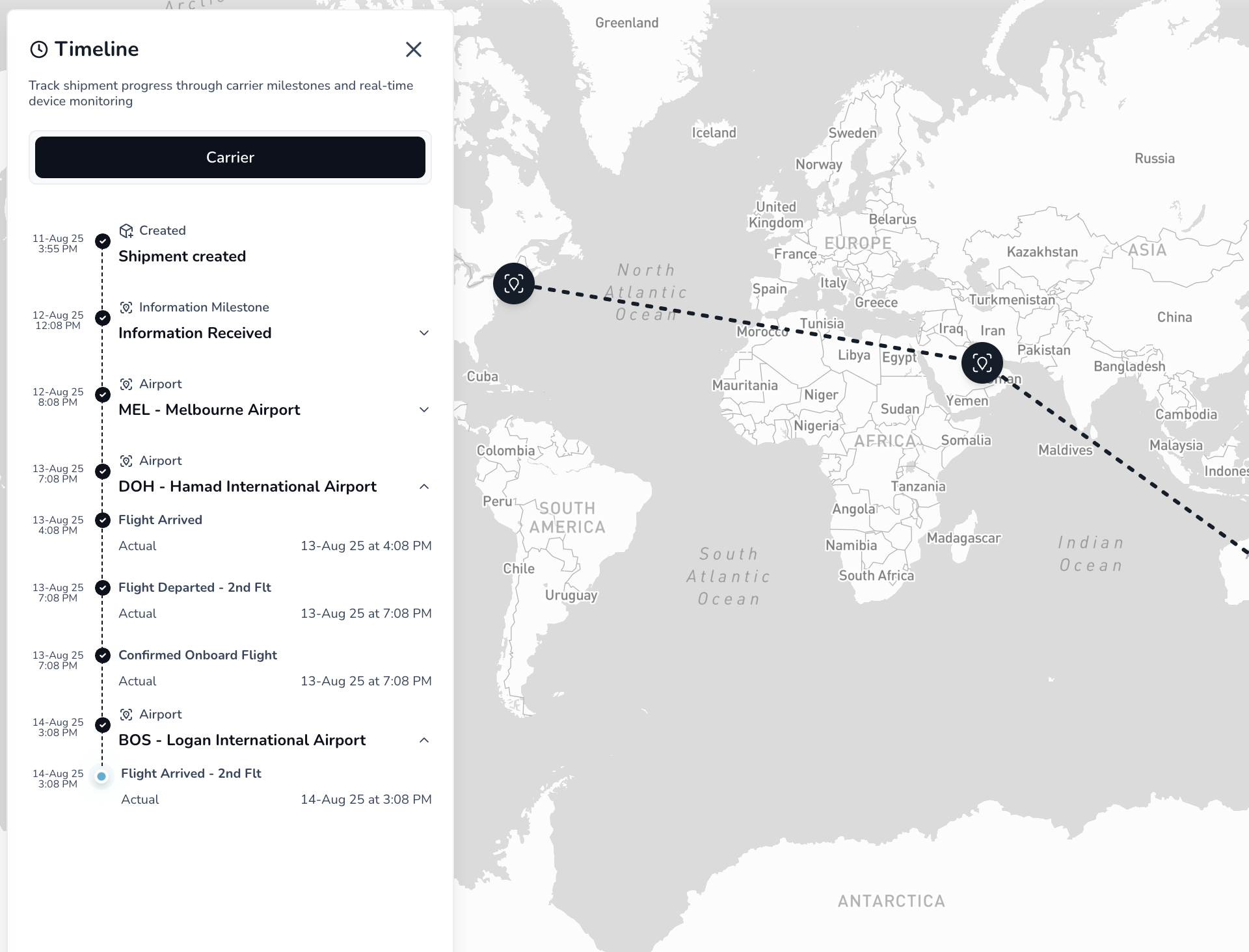
QuickSTAT integration, now along with automated shipment creation, supports real-time milestone-based tracking as well.
Improved Live Risk Performance
Faster data processing and real-time tracking across all shipments
Enhanced processing speed: Backend improvements deliver faster parallel data processing for all real-time tracking operations
Better real-time updates: Device location and telemetry data are now processed more efficiently for real-time tracking
Higher capacity handling: Better performance during peak usage periods with multiple concurrent shipments
 Improved Experience
Better Interface Guidance
Clearer navigation with helpful hints throughout the platform
Helpful tooltips added: Hover over any icon in shipment details to see what each button does
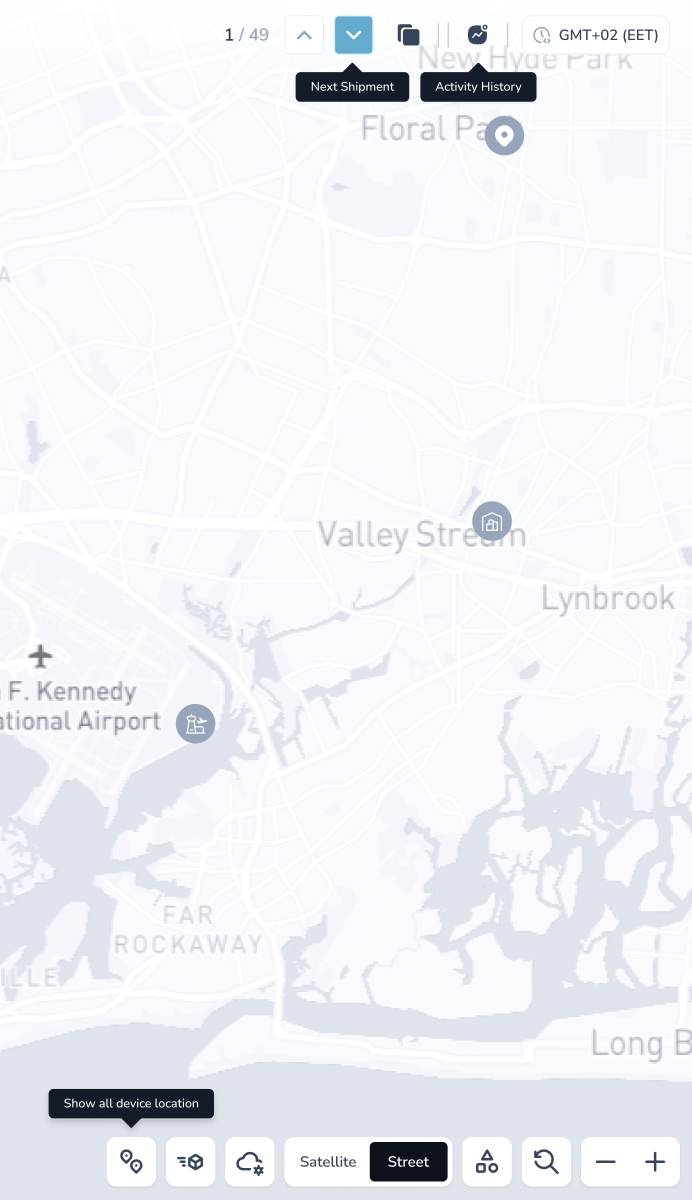
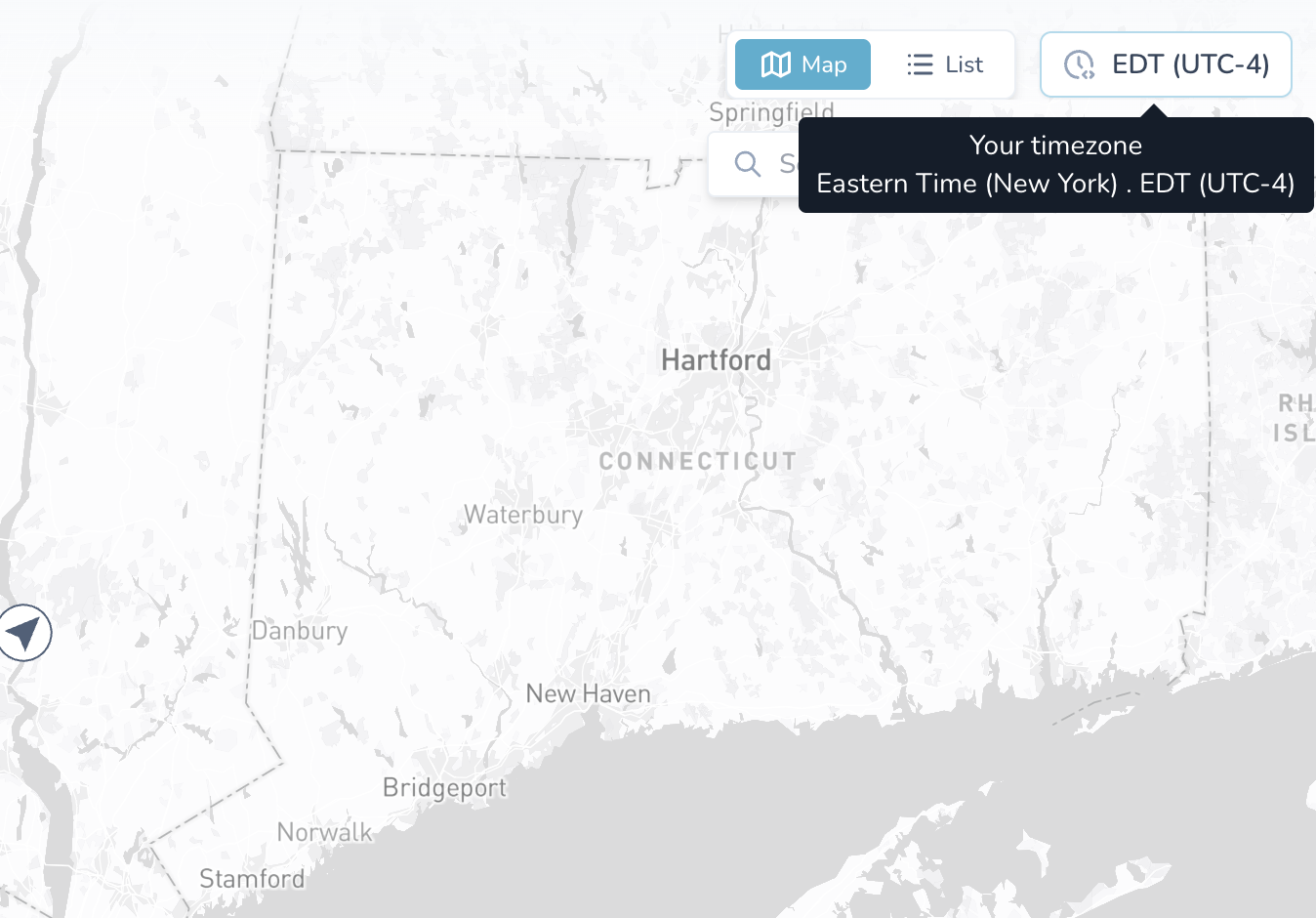
Consistent time zone display: All screens now show time zone information in the same location and format, and the tooltip on hover shows the user-selected time zone. And clicking the same will navigate to the time zone configuration page to select your preferred time zone.
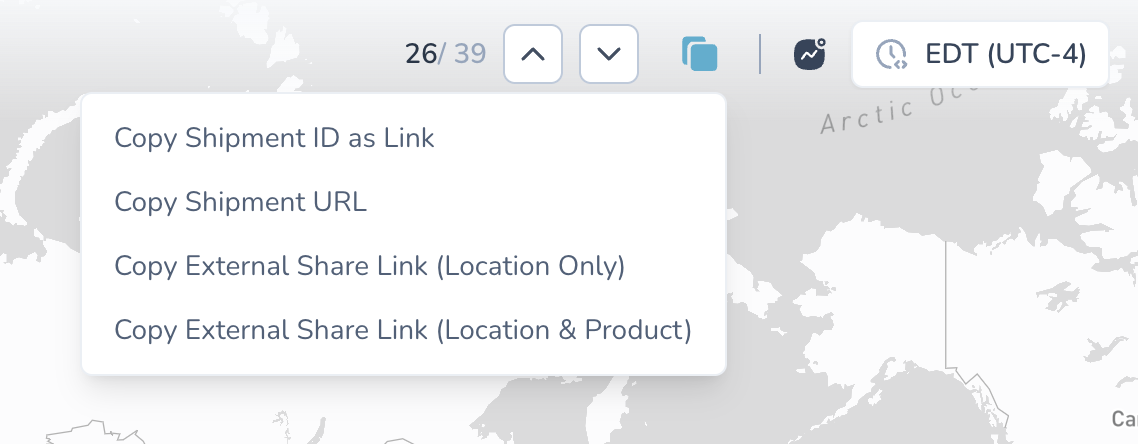
Enhanced shipment copying: New shortcut icons make it easier to copy shipments with different options
Copy shipment id as a link
Copy shipment URL
Copy external share link (location only)
Copy external share link (location & product)
Smarter Data Organization
More accurate insights and better performance
Improved lane profile counting: Lane profiles are now counted more accurately based on unique routes and transport modes
Fixed completion tracking: Shipment completion dates now display correctly across all views
Expanded Device Management
More flexibility in managing tracking devices throughout the shipment lifecycle
Extended editing capabilities: You can now add new devices even after shipments have progressed beyond the initial creation stage (only in "At-origin, In-Transit, and At-destination" states). New device data will start flowing into the shipment from the new device is added to the shipment.
Better workflow flexibility: Accommodate real-world operational needs when device changes are required mid-shipment
 Behind the Scenes
System Improvements
Better timeline accuracy: Fixed missing completion and cancellation timestamps in shared shipment views
Improved data reliability: Backend improvements ensure consistent and accurate shipment information
 Getting Started
These improvements are automatically available in your Command Center dashboard. No action is required on your part.
Using PTA Notifications:
PTA notifications automatically activate for shipments with valid destination addresses, business operating hours, destination time zone and receiver emails
Customers receive email notifications at 2 hours, 1 hour, and 30 minutes before arrival
All notifications are sent automatically based on real-time tracking data and PTA calculation
Accessing Enhanced Features:
Map zoom level maintained: Dashboard map view now retains the zoom level for each user session
Tooltips: Hover over any icon in the shipment details page to see helpful descriptions
Shipment copying: Look for new shortcut icons when viewing shipment details
 Tips & Best Practices
 Make the most of PTA notifications:
Ensure destination addresses are complete and accurate for reliable arrival time predictions
Use arrival notifications to proactively reach out to customers about any delivery requirements
 Need Help?
Questions about PTA notifications? Contact your Customer Success Manager for setup guidance
Need help with the enhanced interface? Check out the new tooltips throughout the platform
Technical issues? Submit a support ticket through the help desk
Feature requests? Share your feedback through the in-app feedback tool
Thank you for using Command Center. We're committed to continuously improving your logistics management experience with reliable, user-focused tools that solve real operational challenges.