Changelog: CONTXT v1.0.1
Last updated: December 3, 2025
Released July 31, 2025
We’re excited to introduce Command Center v1.0.1 — focused on shipment audit enhancements, smarter device management, and improved system performance. These updates give your team greater control, visibility, and efficiency across the logistics lifecycle.
These improvements are automatically available in your Command Center dashboard. No action is required on your part.
 What's New
Enhanced Shipment History & Tracking
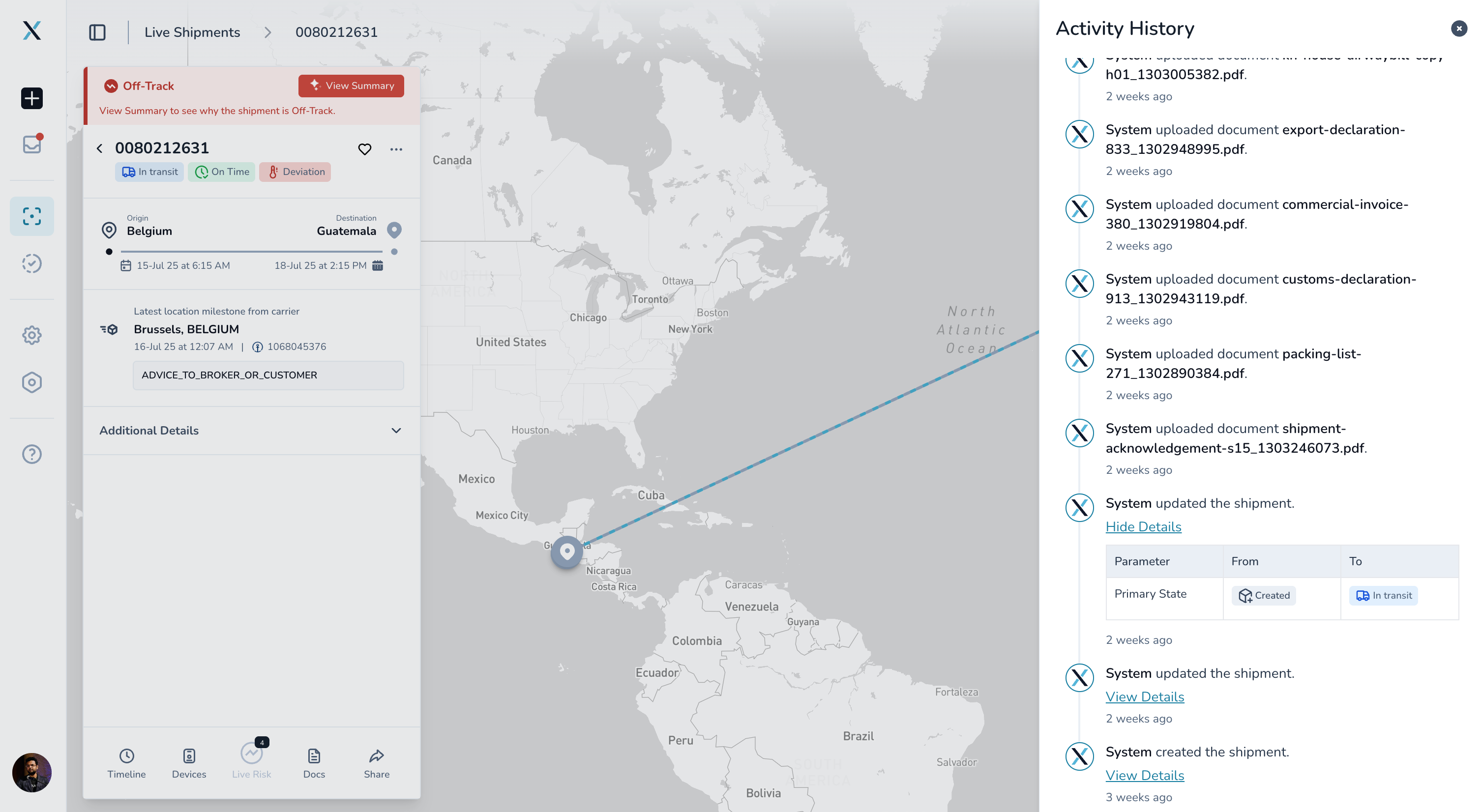
Better visibility into shipment changes
Comprehensive audit trail: See exactly who made changes to your shipments and when across the full shipment lifecycle
Smart event tracking: Quickly find specific changes and events done by users or the system
Detailed change tracking: View a complete history of shipment updates, document uploads, and modifications
Why this matters: Get complete transparency into your shipment lifecycle for better compliance and faster issue resolution.
Flexible Device Management
Greater control over your tracking devices
Edit device settings anytime: Change primary device information even after shipment creation
Real-time updates: Device logos and information automatically refresh when you make changes
Improved device controls: Access advanced device settings throughout the entire shipment process
Why this matters: Adapt to changing logistics needs without recreating shipments or losing tracking history.
 Improved Experience
Streamlined Interface
Better weather alerts: Low-risk weather events now display with proper color coding and risk levels
Smarter sorting: Completed shipments are now organized more logically with secondary date sorting
Enhanced Performance
Faster filtering: Apply multiple filters without system slowdowns or session timeouts
Improved data loading: Temperature and location data loads more efficiently for shipments with extensive tracking history
Better error handling: Clearer error messages and improved system stability
Robust data handling: Better management of duplicate timestamps and conflicting device data
Scalable architecture: Enhanced support for large datasets and complex filtering operations
Improved reliability: Fixed several edge cases that could cause system errors
 Tips & Best Practices
 Make the most of audit trails:
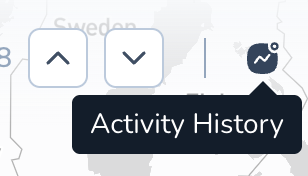
View audit trails: Go to any shipment details page and select the activity history icon on the right top corner
Use the activity log to quickly find specific types of changes to the shipment
Review the activity log before making major shipment modifications
Share audit reports with compliance teams for documentation
 How These Changes Help You
For Operations Teams | For Compliance Teams | For Management |
|
|
|
|
|
|
|
|
|

 Need Help?
Questions about new features? Contact your Customer Success Manager
Technical issues? Submit a support ticket through the help desk
Feature requests? Share your feedback through the in-app feedback tool
What's next?
We're already working on the next set of improvements based on your feedback. Stay tuned for more enhancements to make Command Center even more powerful and user-friendly.
Thank you for using Command Center. We're committed to continuously improving your logistics management experience.