Changelog: CONTXT v1.0.6
Last updated: December 3, 2025
Released September 10, 2025
We're excited to share the latest improvements to Command Center, which focus on enhanced carrier tracking and advanced mapping capabilities for your logistics operations.
 What's New
Direct Carrier Tracking Links 
Click tracking numbers to view shipments directly on carrier websites
K+N Integration: Carrier tracking numbers now link directly to Kuehne + Nagel's tracking portal with pre-filled tracking information
QuickSTAT Integration: One-click access to QuickSTAT package tracking with automatic form population
Seamless Experience: Links open in new tabs so you never lose your place in Command Center
Error Handling: Invalid tracking numbers display helpful error messages instead of broken links
Enhanced Maps & Visual Experience 
Mapping enhancement with personalized preferences
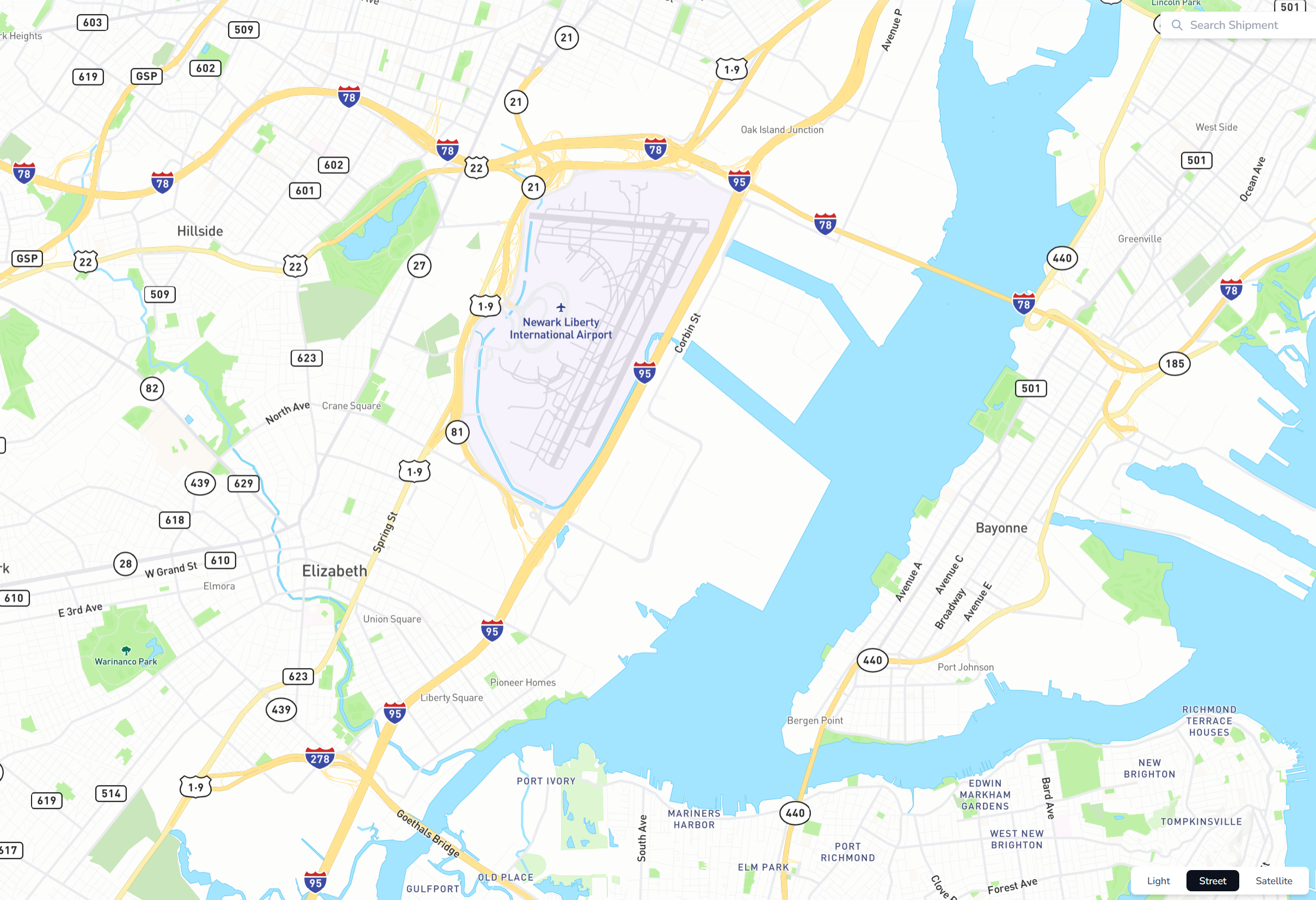
Custom Map Styles: Choose between Street, Satellite, and Light map views, with your preference automatically saved
Smarter Event Interaction: Click any event to zoom directly to that location, with the event automatically scrolled into view
Better Event Display: Reduced event icon sizes by 25% and fixed color consistency across all map styles
Enhanced Tooltips: Improved tooltip positioning that works properly and stays above all map layers
 Improved Experience
Better User Interface Details
Map Tooltip Improvements: Tooltips now appear above stop icons instead of being hidden behind them
Responsive Input Fields: Geofence radius input boxes always display full values regardless of screen size
Clear Document Status: Document parsing status now shows precise icons and helpful tooltips explaining each stage (Upload successful, Parsing..., Parsing error, etc.)
Intuitive Hover States: Share page device lists now use appropriate arrow cursors since devices aren't clickable in external views
Complete Device Reporting: PDF temperature reports include all assigned devices, with detailed charts only for devices with actual temperature data
Enhanced Notification System
Reliable Recipient Management: Fixed the issue where additional notification recipients could become blank during shipment setup
 Behind the Scenes
System Reliability Improvements
Database Consistency: Fixed organization ID constraints that could prevent shipment creation in certain environments
Error Prevention: Better validation prevents invalid geographic coordinates (0,0) from entering the system
Integration Stability: Enhanced error handling for external API connections ensures smoother carrier tracking operations
 Getting Started
These improvements are automatically available in your Command Center dashboard. No action is required on your part.
Using Direct Carrier Tracking:
1. Navigate to any shipment with carrier tracking numbers
2. Click directly on the tracking number to open the carrier's tracking page
3. View detailed tracking information in a new tab while keeping Command Center open
Customizing Map Preferences:
1. Open any shipment with location tracking
2. Use the map style selector to choose Street, Satellite, or Light view
3. You can save your preferred map style under the user setting page.
 Tips & Best Practices
 Make the most of the enhanced mapping:
Use the Street map style for clearer route visibility for road shipments, denser highlights of the interstate, and other relevant markers for better location context
Click directly on events to quickly jump to specific incidents or milestones
Event tooltips provide quick context without opening detailed views
 Need Help?
Questions about carrier tracking? Contact your Customer Success Manager for integration guidance
Technical issues? Submit a support ticket through the help desk
Feature requests? Share your feedback through the in-app feedback tool
Thank you for using Command Center. We're committed to continuously improving your logistics management experience with reliable, intuitive tools that save you time and provide better visibility into your operations.